

Recently, I picked up a set of blank tote bags to make some library book bags with my Cricut Maker 3. These totes are quite sturdy and they come in 26 different colors, so I definitely will be ordering more in the future. I also decided to purchase a year-long subscription to Cricut Design Space, and I have not been disappointed! The variety of fonts and images is beyond amazing.
My daughter loves axolotls, so this little pink cutie reading a book was the perfect choice for my girl. I found a gorgeous set of heat transfer vinyl on Amazon in boho colors. #commissionsearned. Full disclosure, as beautiful as these colors are, you definitely get what you pay for. This HTV was difficult to weed and I would only recommend it for projects with larger cuts. The more intricate ones were a bit of a pain, even with using the “more pressure” setting on my Cricut. But the colors kind of made it worth it.
For those of you who are new to using Design Space and to layering heat transfer vinyl, here is the step-by-step guide for how I made this fun tote.

Search “axolotl” in Design Space.

If you have not purchased a subscription, this image will cost $0.99. It’s free with a subscription.
Click on the image and then click on “add to canvas”

You can now size your image to fit your tote bag. You can easily add this to a t-shirt or sweatshirt as well.

I decided to add a bit of contrast with an oval behind the image. Go to shapes and choose
“circle.”

Now you will see a circle added to your canvas.
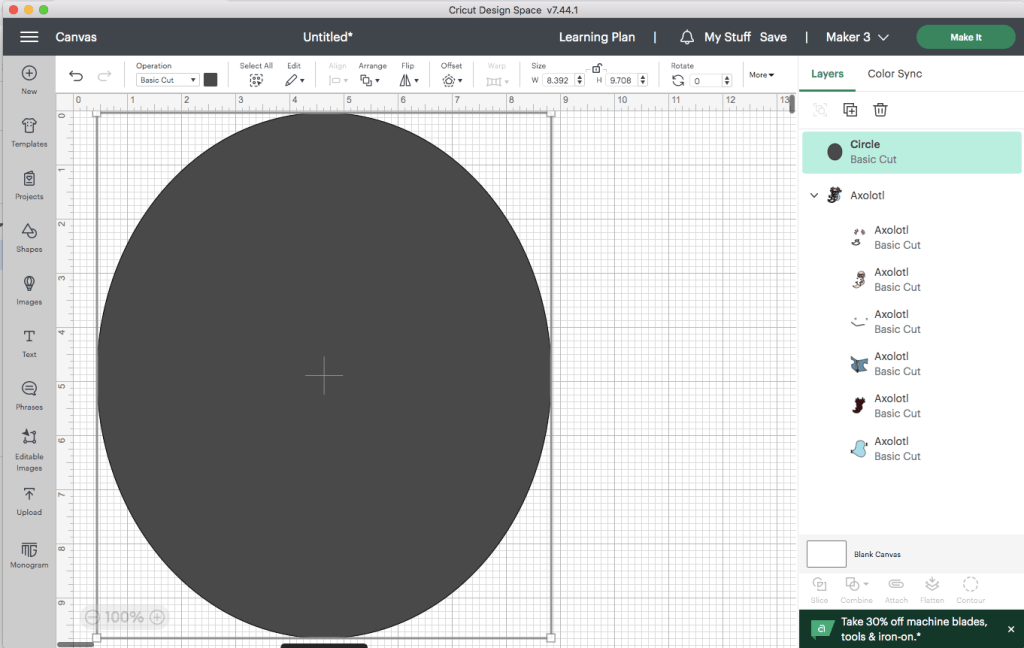
Go to “size” at the top tool bar and hit the unlock button. Now you can make your circle into an oval that covers your image.

You need to change the position of your oval so that it is behind your image. Go to “arrange” and click “send to back.”

Now you can change the color of the oval. I wanted mine to be the same color as the book that the axolotl is holding.
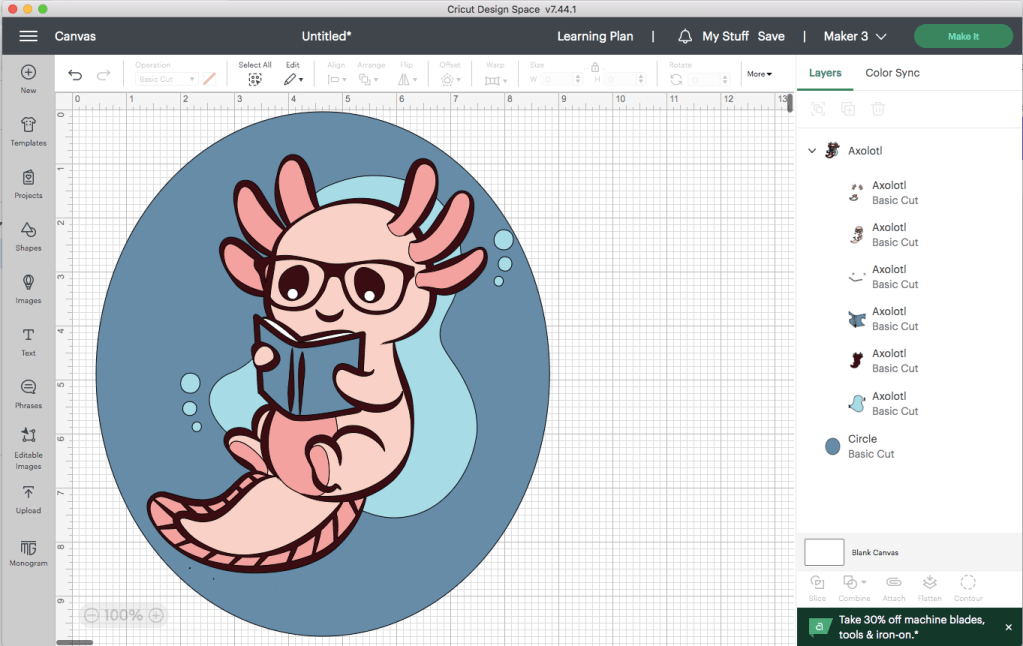
Make sure that your entire image is the size that you want to put on your tote bag.

Click “Make It.” I chose “on mat.”

Be sure to click “mirror” on every mat. This step is super important. And don’t forget that you will want your HTV to be shiny side down on the mat.
You can cut each color separately, but I have a little time-saving trick that I like to use. I move several colors onto one mat.
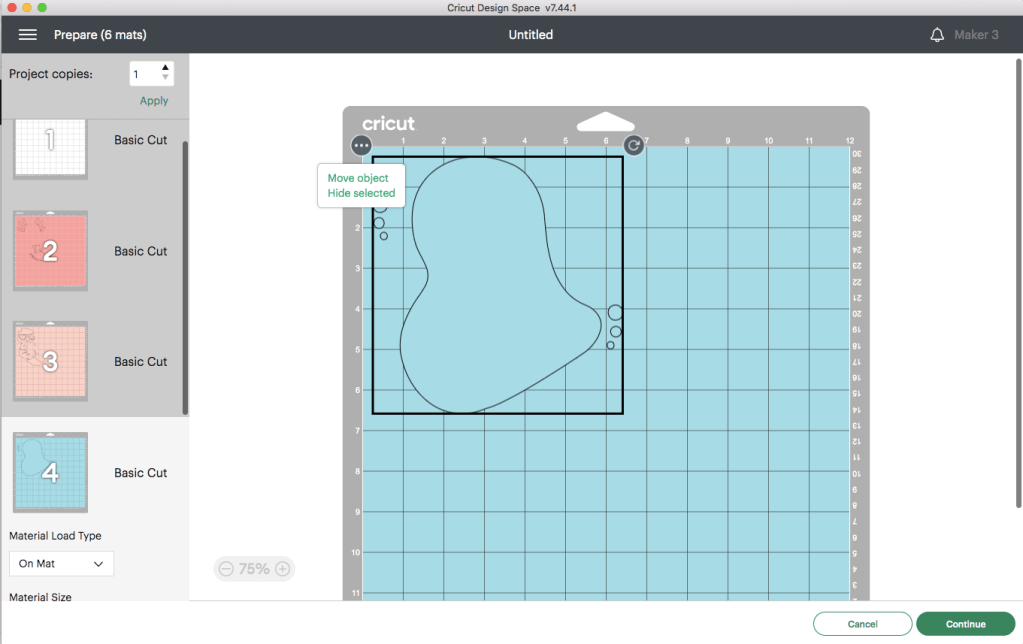
Click on the 3 dots to the left of your object.

Move the objects to the mat of your choosing.
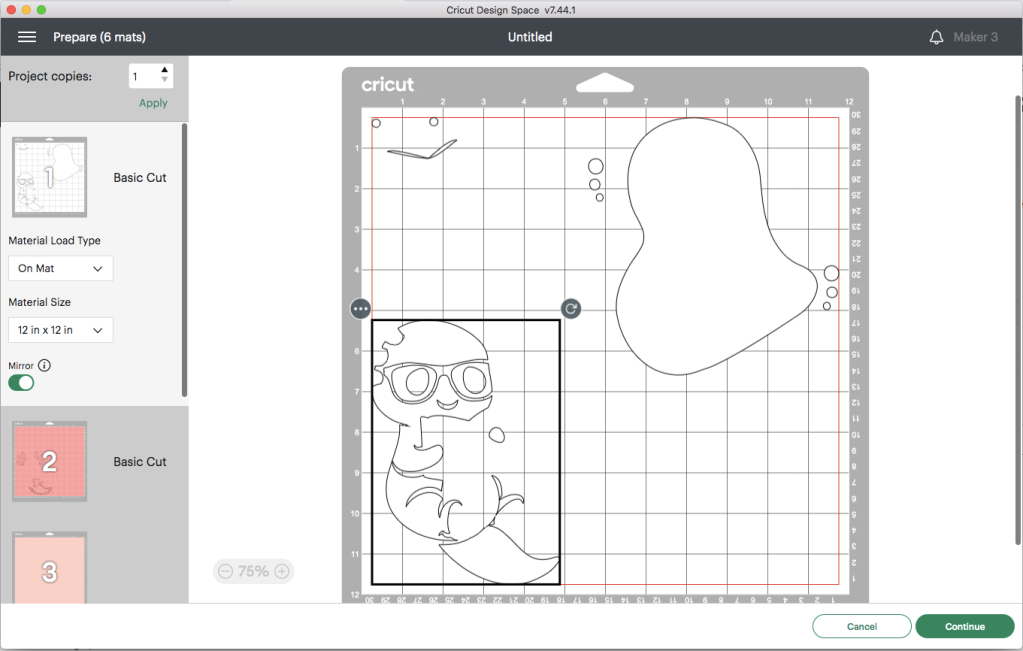
As you can see, I was able to get 3 cuts on one mat. I used the grid to figure out the size of each color of HTV and where to place it on the mat. This saves a lot of time loading and unloading mats. Just be sure to put the right color in the right spot and remember to mirror your image.
You will be asked to select the type of material. I chose “everyday iron-on.” Make sure you have the fine tip blade loaded into your Cricut and now you are ready to go.
After all of your pieces are cut, you can weed each one and begin the process of adding the layers to your tote. I purchased the HTVRONT heat press and it made it so easy to layer the vinyl. I also got an inexpensive heat press mat that is the perfect size for totes and tees. #commissionsearned
One thing I like to do is to layer all of the pieces on each other before I use the heat press, just so that I get the placement right. Then, I peel them apart and layer, one at a time, starting with the back layer. In this case, my first layer was the blue oval.
You only want to heat each layer for about 12-15 seconds, and don’t forget to put a teflon sheet or a piece of parchment paper between your heat press and your HTV. Be sure to check the recommended heat setting and time for the vinyl you are using. Each brand varies slightly. You also need to know if your HTV is hot peel or cold peel.
This is the fun part…seeing your design come to life. In just a few moments, your tote will be finished and ready for your next trip to the library.
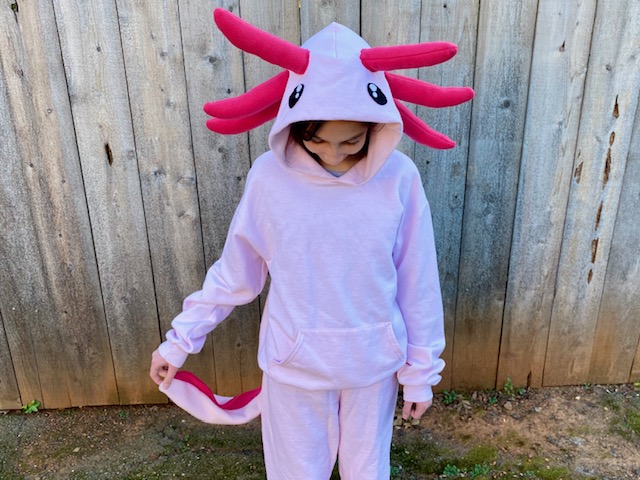
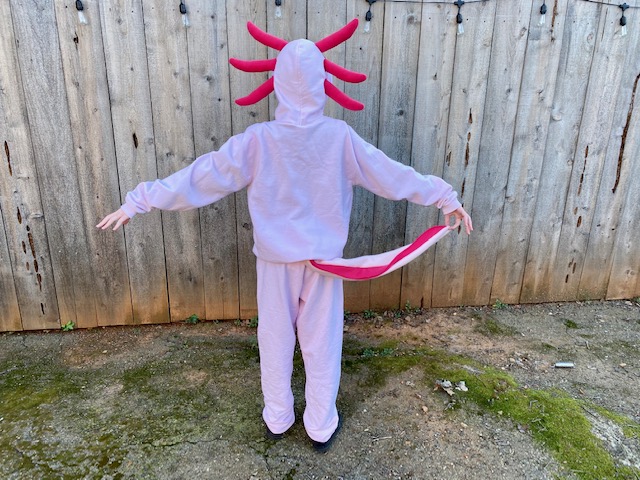
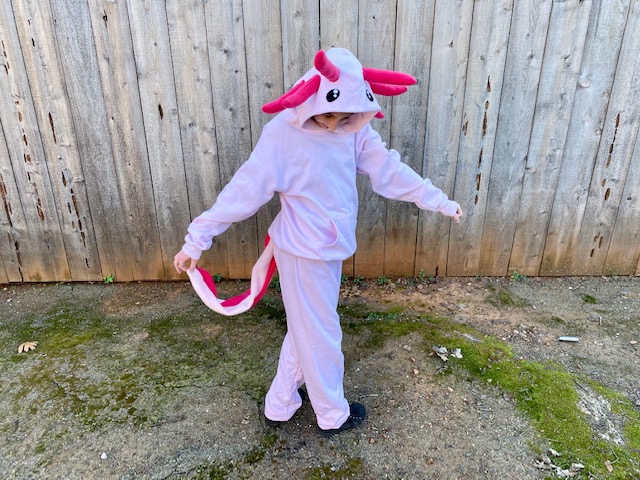
For more axolotl fun, check out my daughter’s DIY Axolotl Halloween costume from a couple of years ago.











 kerricreates